TOOL COLLECTION · ANALYSIS

Trace the finding.
Then share it.

Evaluate research analysis tools by the evidence your team can inspect, correct and retrieve.

By Vellora Labs · Updated October 11, 2026

Choose a research workspace by following one finding back to its original material. Import and AI summaries are useful only if your team can inspect the context, revise the interpretation, and share it with the right people.

Official capabilities checked October 11, 2026. This is a workflow comparison, not a hands-on benchmark or traffic ranking. Screenshots retain their actual October 7 capture dates. Confirm current plans and limits with each provider.

DecisionDovetailLooppanel
Starting workflowCustomer material across feedback sources and projectsResearch material, analysis and repository search
Published capabilities to examineTranscription, clips, themes and source-linked answersAI tagging, cross-source search, clips and reports
A shared pilot checkTrace an answer to the original contextTrace a theme to the original context
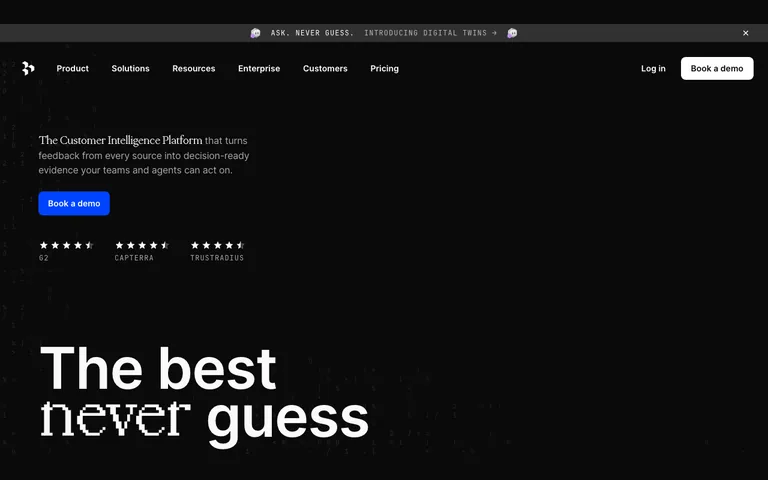
Actual Dovetail official homepage screenshot captured October 7, 2026Actual official websiteCaptured 2026-10-07

RESEARCH ANALYSIS AND REPOSITORY

Dovetail

Dovetail describes bringing feedback into a customer intelligence workspace, with transcription, highlights, clips and patterns in Projects. It also describes source-linked answers and separate Digital Twins capabilities. Keep simulated answers distinct from original participant evidence.

Pilot check: Import a small permissioned set. Follow a reported finding to its source and inspect the surrounding context. Test whether intended reviewers can access it without widening access to unrelated material.

Official source →
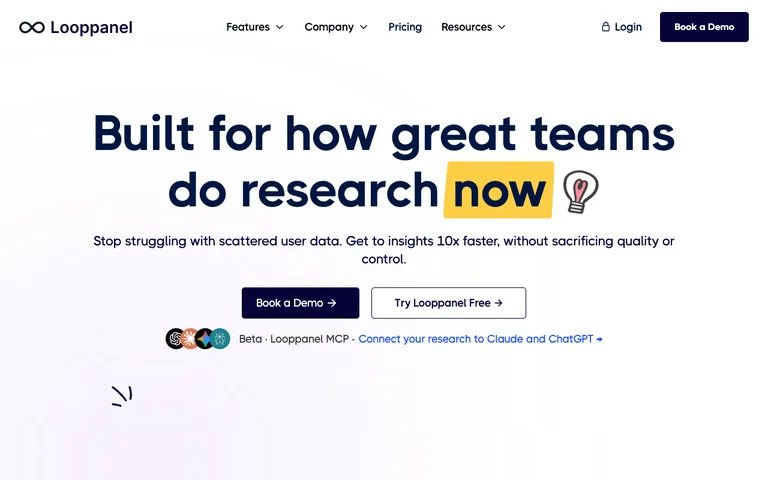
Actual Looppanel official homepage screenshot captured October 7, 2026Actual official websiteCaptured 2026-10-07

RESEARCH ANALYSIS AND REPOSITORY

Looppanel

Looppanel describes AI-assisted tagging, search across research sources, and sharing video clips and reports from a research repository. It is a candidate when your team needs to organize interview material and revisit findings across studies.

Pilot check: Try a theme with supporting and contradictory examples. Check how you correct a tag, retrieve the original exchange, and export or share the evidence your team needs.

Official source →

Use one evaluation pack for both candidates.

Prepare a short set of permissioned interviews or synthetic test fixtures clearly labeled as such. Include a repeated issue, a contradictory example, an ambiguous statement, and a correction to a transcript. Write your own expected source references before asking the platform to summarize.

CheckWhat to record
ImportSupported formats, speaker labels, timestamps and any lost context.
TraceabilityWhether each reported finding opens the relevant source passage.
CorrectionHow edits to transcripts, labels or interpretations affect later outputs.
SharingWhat a viewer can access and whether source permissions remain appropriate.
Export and exitWhether usable notes, references and media can be retrieved in the required format.
Data handlingRetention, deletion, access, AI processing and the applicable plan terms.

These are questions to verify in your own pilot, not guarantees that either product satisfies them. Do not upload confidential material until the relevant permissions and provider terms have been checked.

A spreadsheet may be enough for a small pilot.

If you have few observations and one reviewer, start with the blank evidence log. A dedicated workspace becomes more useful when you need coordinated access, repeated retrieval and shared review. A bigger repository cannot fix an unsupported interpretation.

Share what the evidence actually supports.

Keep source excerpts and limits beside each conclusion. When research informs a product explanation, use the evidence-to-story guide before creating a video brief. TapVid is a product from our team; it creates explanation videos and is not an interview analysis platform.