TOOL COLLECTION · PRODUCT EXPLAINERS

Explain it. Show it.
Edit what matters.

Compare motion-graphics generation, screen recording, and transcript-based editing for different product communication tasks.

By Vellora Labs · Reviewed October 10, 2026

The most useful starting point is the material you already have. A script and screenshots, a working product, and a recorded conversation each suggest a different workflow. These tools overlap in features; the distinction here is the job you want to do first.

Selected for different jobs, not ordered by traffic or scored in hands-on tests. Capabilities below come from official pages checked October 10, 2026. Verify current plans, limits, and terms with each provider.

Starting materialWorkflow to examineCandidate
Approved script, product assets, documentsCreate an editable motion-graphics explainerTapVid · our product
A working interface you can demonstrateRecord the actual screen and share a walkthroughLoom
Recorded audio or videoRestructure footage using its transcriptDescript
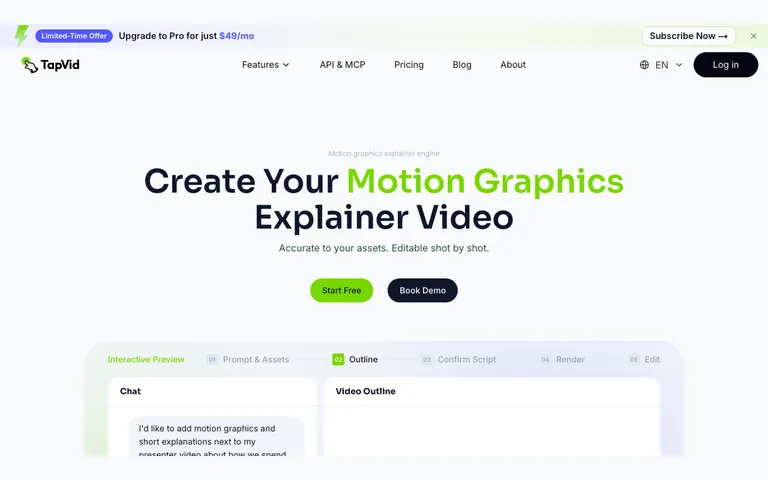
TapVid official website homepage screenshotActual official websiteCaptured 2026-10-07

MOTION-GRAPHICS EXPLAINERS

TapVid

Featured · TapVid is a product from the team behind Vellora.

TapVid describes converting scripts, documents, links, and supplied assets into explainer videos, with editing across outline, script, and scenes. It is a candidate when the concept needs visual explanation rather than a continuous screen recording.

Before choosing: Review every product detail and claim before publication. Confirm current export and watermark rules in your account: the public page contains differing statements about watermark removal, so this guide does not promise that entitlement.

Official website →
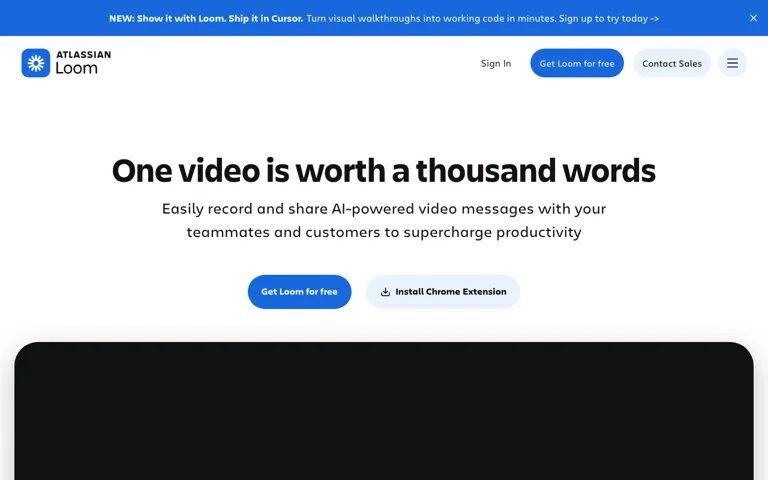
Actual Loom official website screenshotActual official websiteCaptured 2026-10-10

SCREEN AND CAMERA RECORDING

Loom

Loom describes recording screen and camera, sharing or embedding video, and editing clips with features such as trimming and overlays. It is a candidate when showing the actual sequence of actions is central to the explanation.

Before choosing: Prepare a clean demo environment, remove private information, and check the shared link’s audience. Confirm recording and download limits for your plan before committing to a production workflow.

Official website →
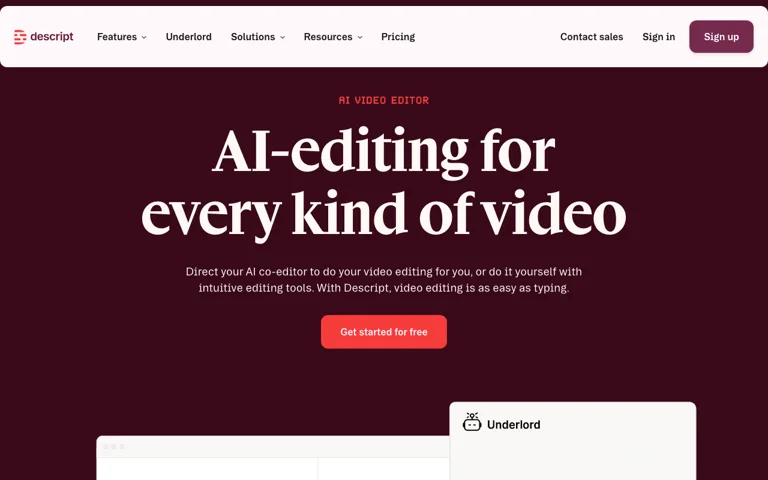
Actual Descript official website screenshotActual official websiteCaptured 2026-10-10

EDITING EXISTING MATERIAL

Descript

Descript describes recording or importing media, transcription, and editing video by changing text, with AI editing tools. It is a candidate when you already have spoken material and want to restructure the recording or make shorter clips.

Before choosing: Check transcript accuracy and listen across every cut. Preserve the speaker’s meaning, obtain permission for reuse, and verify the final captions against the audio.

Official website →

What are you asking the viewer to understand?

For an unfamiliar concept, a concise explanation with controlled visuals may help you test meaning. For a usability question, show or provide the real interface. For an evidence shareout, retain the participant’s context rather than creating an apparently stronger quote through editing. Do not use a generated demo as proof that an unbuilt feature works.

A small production pilot

  1. Choose one approved message and one next action.
  2. Prepare a short source pack with asset permissions and a list of claims that need verification.
  3. Make one short video and inspect text, product controls, numbers, narration, and captions.
  4. Show it to a relevant viewer without coaching. Capture their unaided explanation.
  5. Revise the scene that caused a misunderstanding and record what changed.

This is a workflow evaluation, not a promise of conversion lift. Vendor generation, recording, or editing features do not establish that your product story is true.

Build the brief before choosing effects.

Use our worked brief template or editable brief builder. Then follow the video comprehension test. TapVid’s placement is disclosed throughout; Loom and Descript are included as different starting workflows, not as lower-ranked products.